01
Say hello
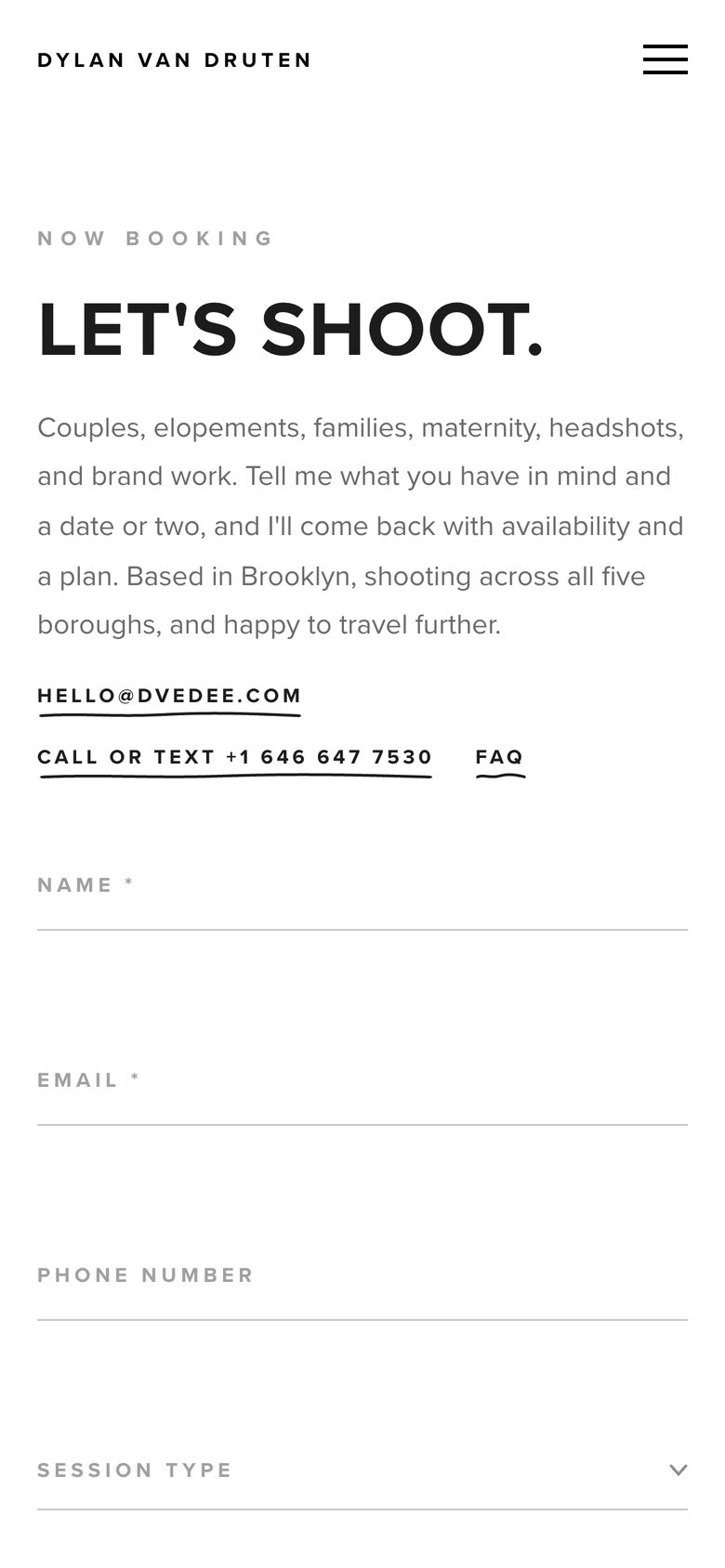
Start with the contact form and tell me your preferred date and the type of shoot.
I reply within a few hours with availability and any questions about your vision.
Open the booking form9:41
How it works
Every step of booking a session, shown with the real pages, emails and gallery you will get. Nothing here is a mockup.
Start with the contact form and tell me your preferred date and the type of shoot.
I reply within a few hours with availability and any questions about your vision.
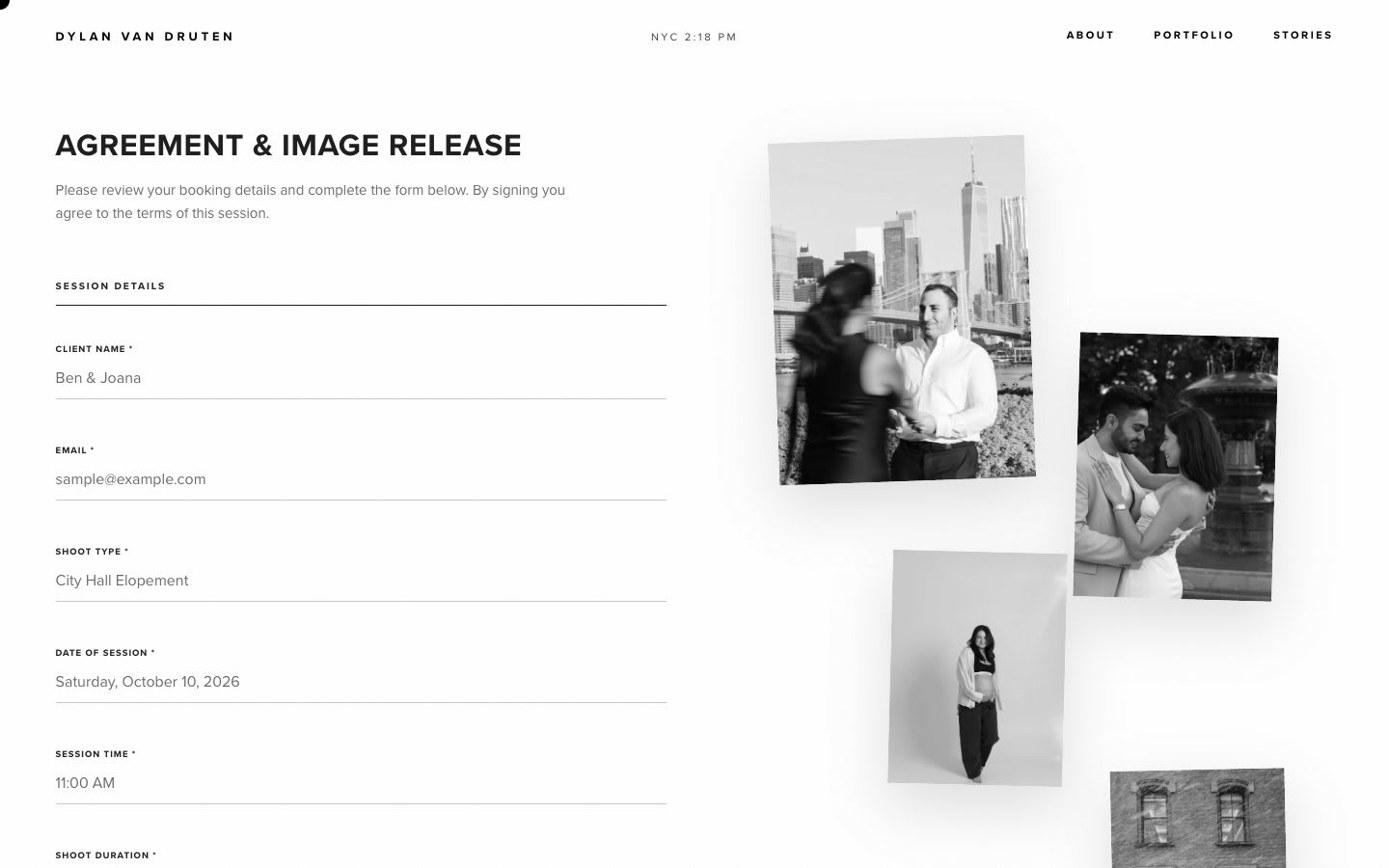
Open the booking formI follow up with a booking agreement, and a 30 percent refundable deposit secures your slot, with the balance due when your photos are delivered.
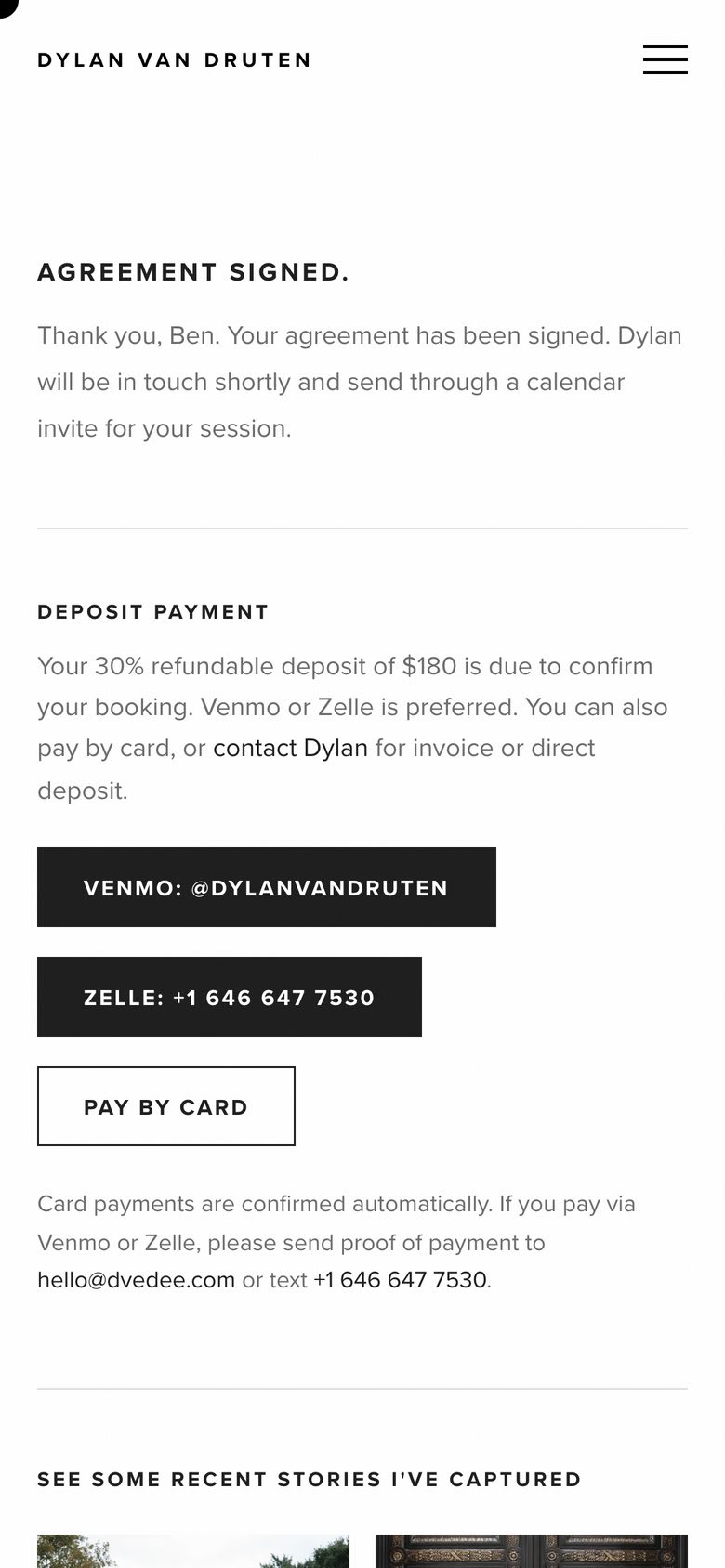
Pay the deposit by Venmo, Zelle or card. Once that is in, I send a calendar invite so the date is locked in for both of us.
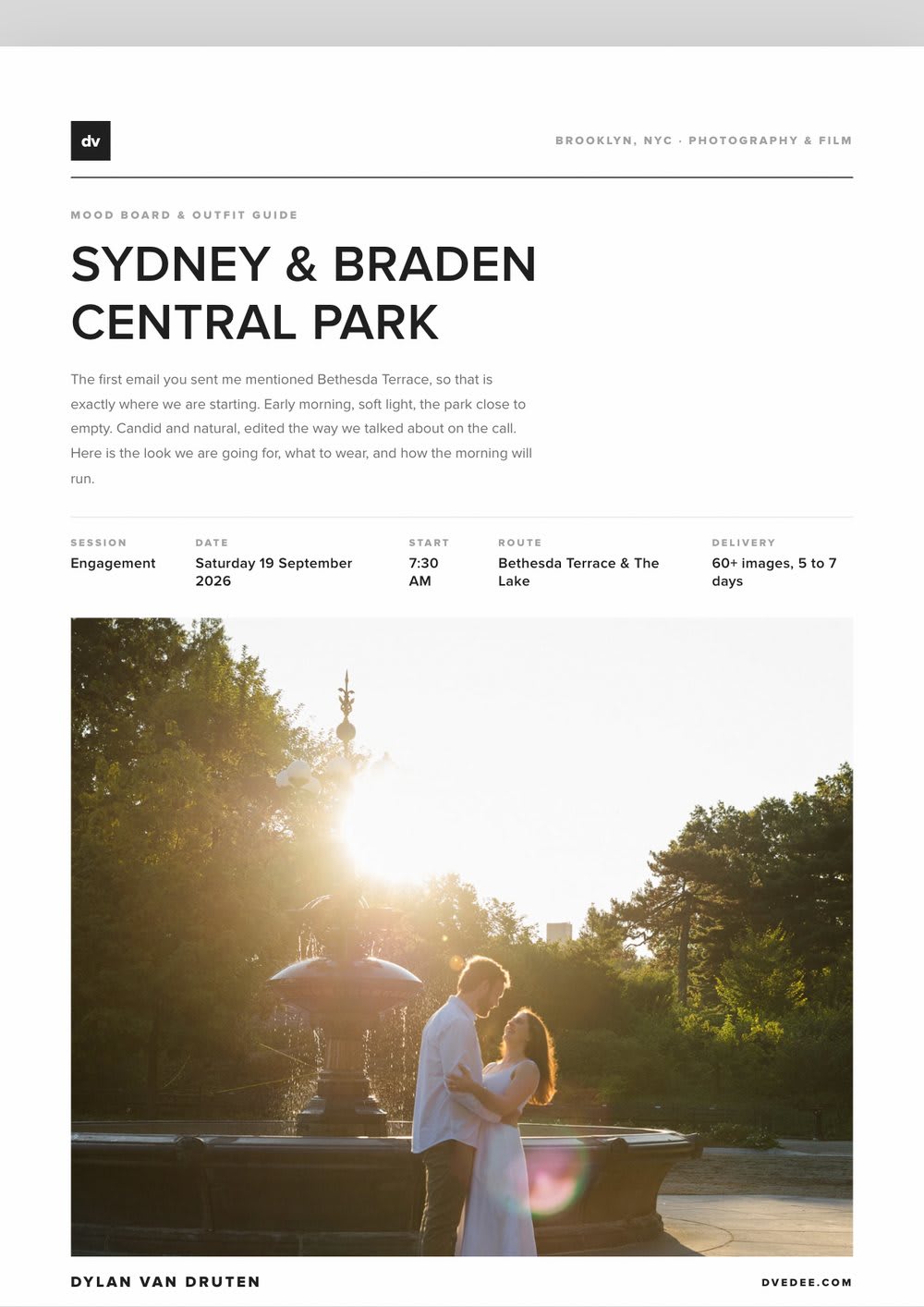
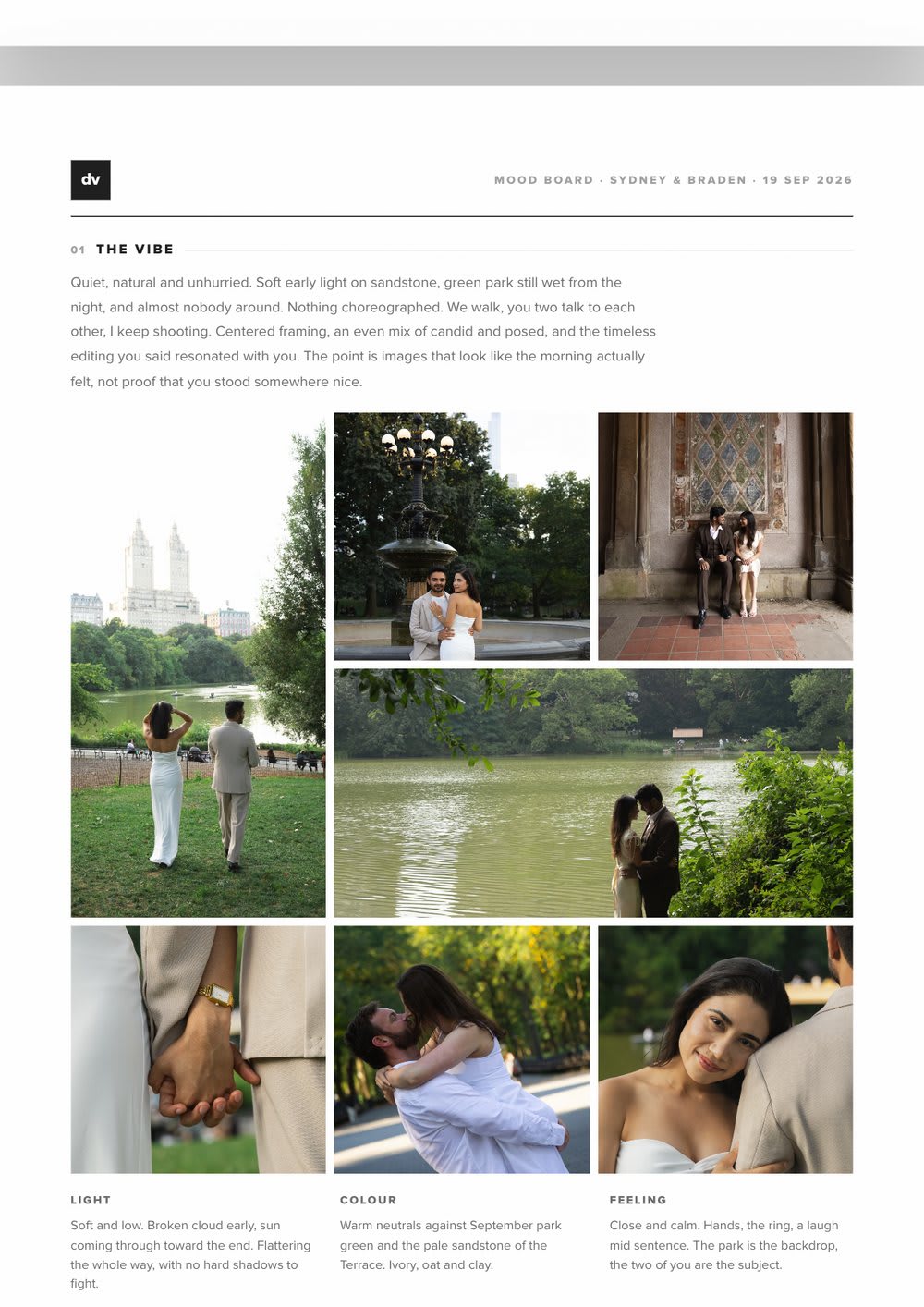
We plan the session together: locations, timing for the best light, and a mood board with outfit inspiration.
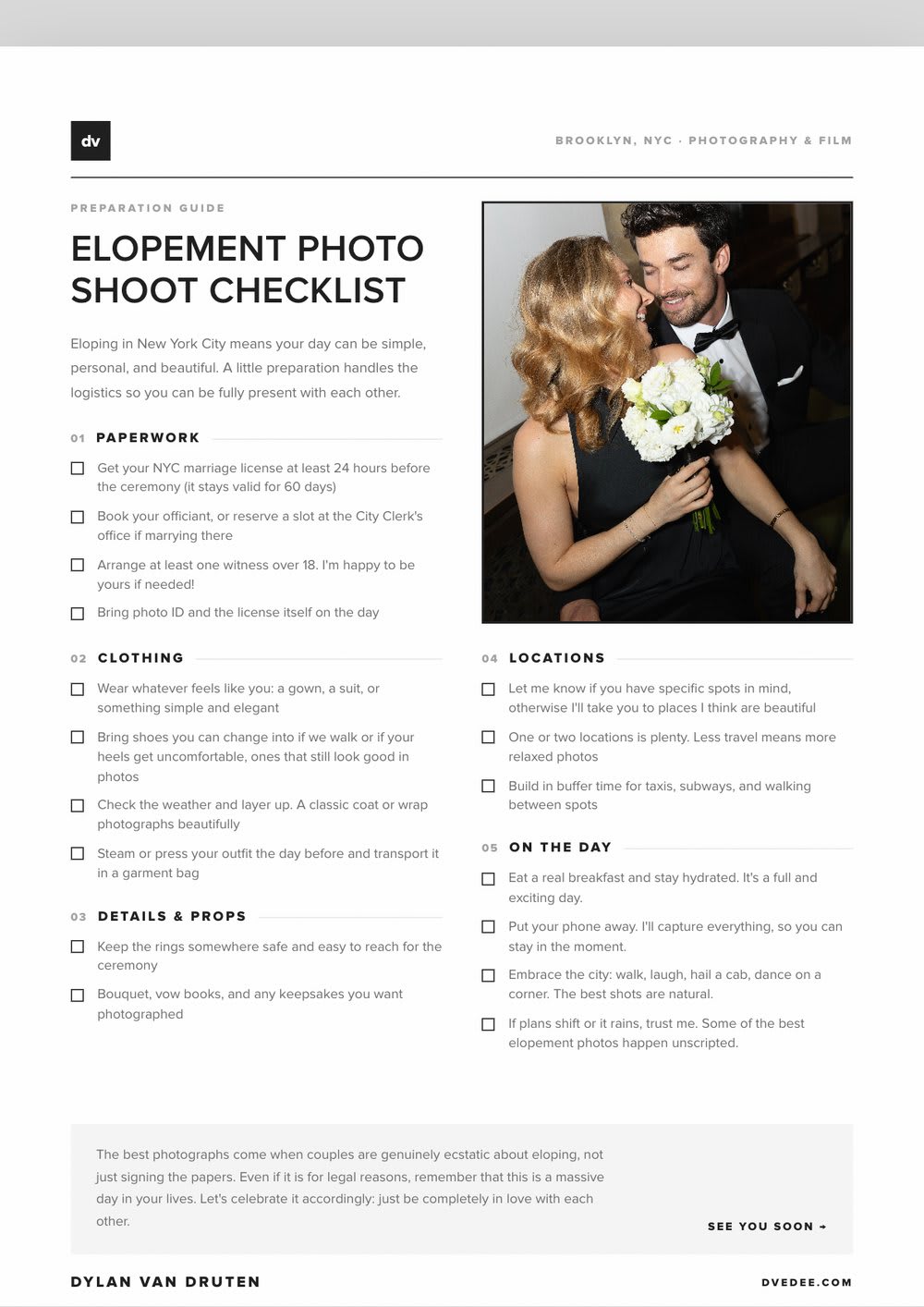
You also get a preparation checklist for your type of shoot, so nothing on the day is left to chance.
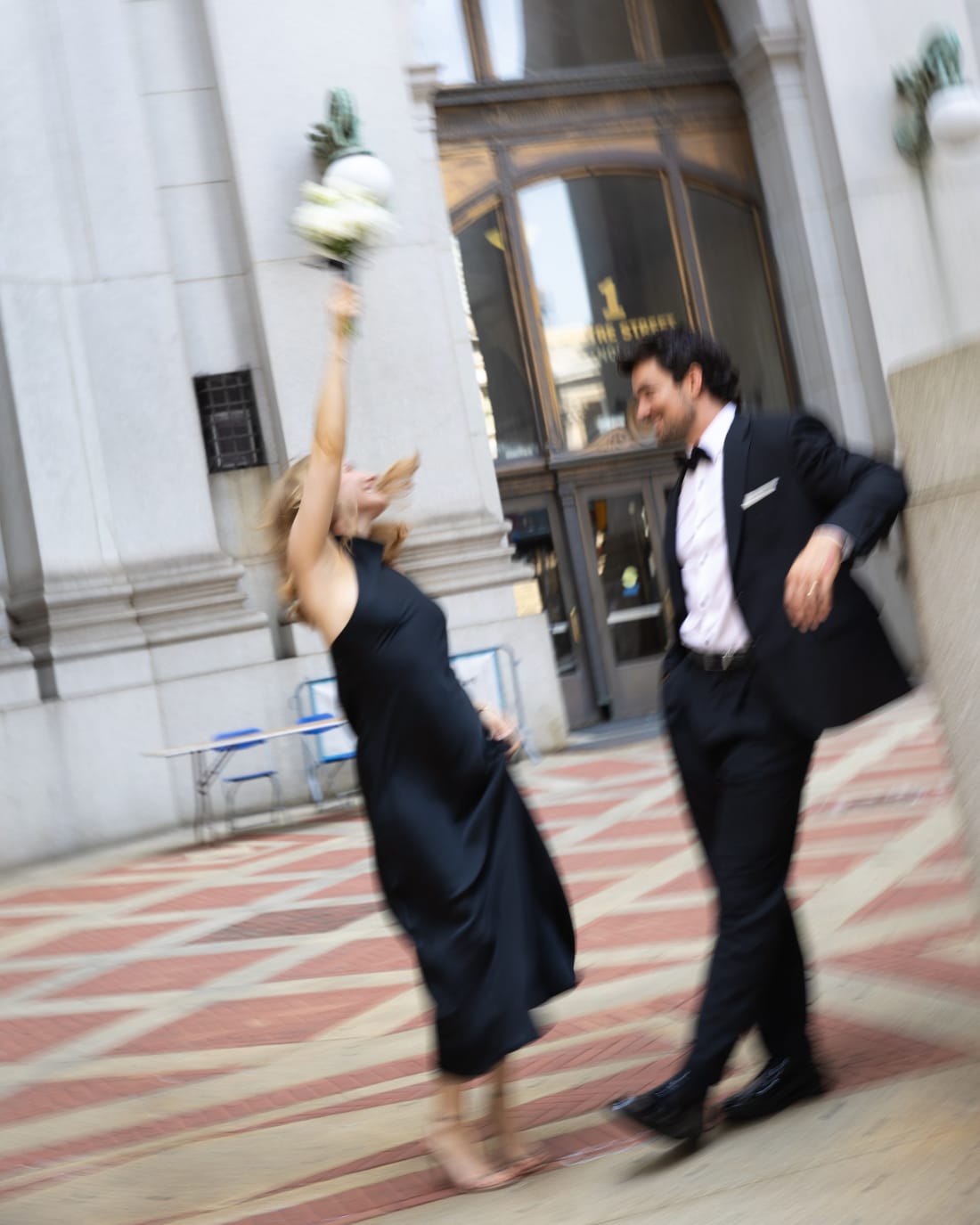
No set to walk onto and no list of poses. I step in with gentle direction when it helps and disappear when it does not.
If the weather turns on an outdoor shoot, I am glad to reschedule wherever it is feasible.
Generally within five to seven business days of the shoot, and always within 14 days.
They arrive in one email: a cover photo from your session, a button straight into your gallery, and your password.
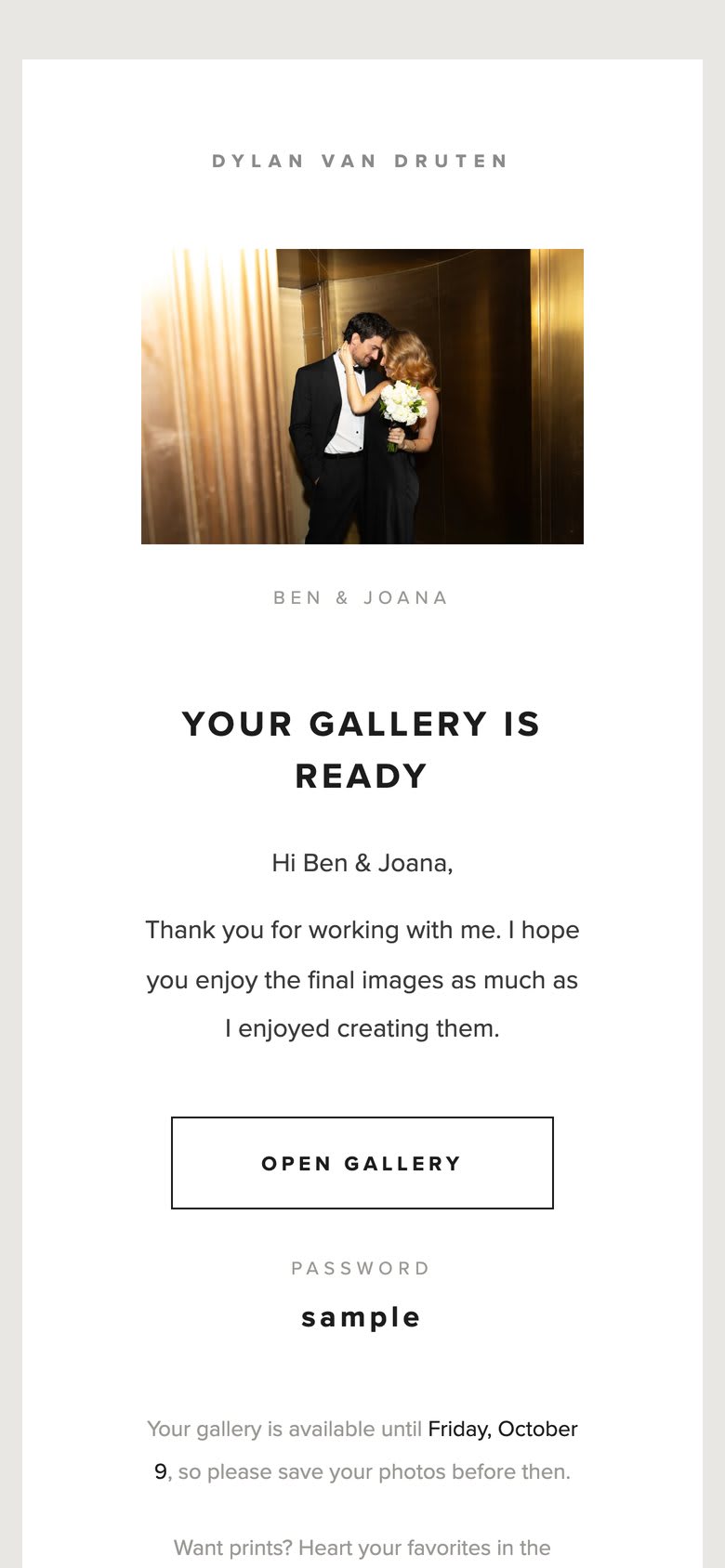
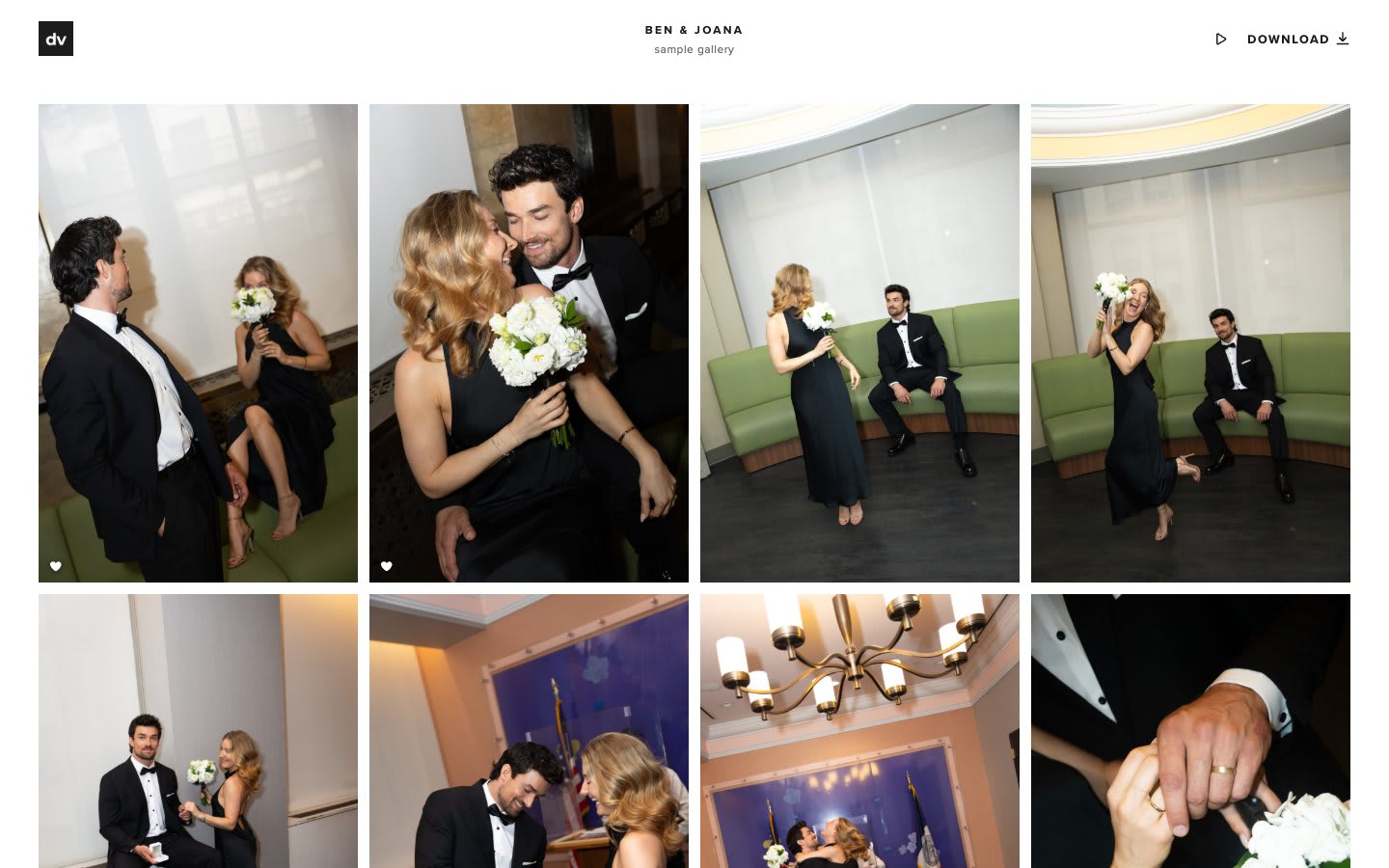
A private online gallery made for your photos, on your phone or your laptop.
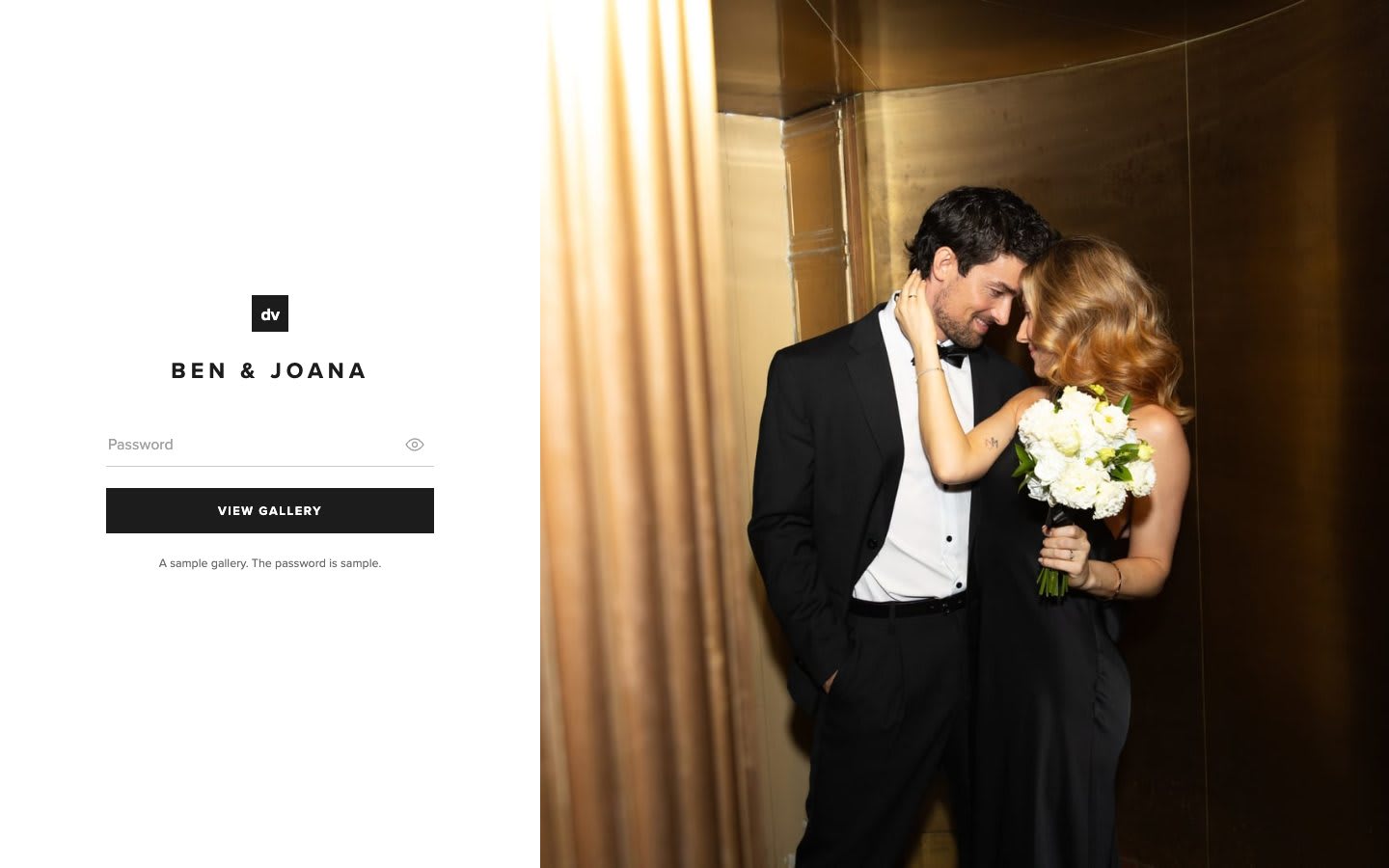
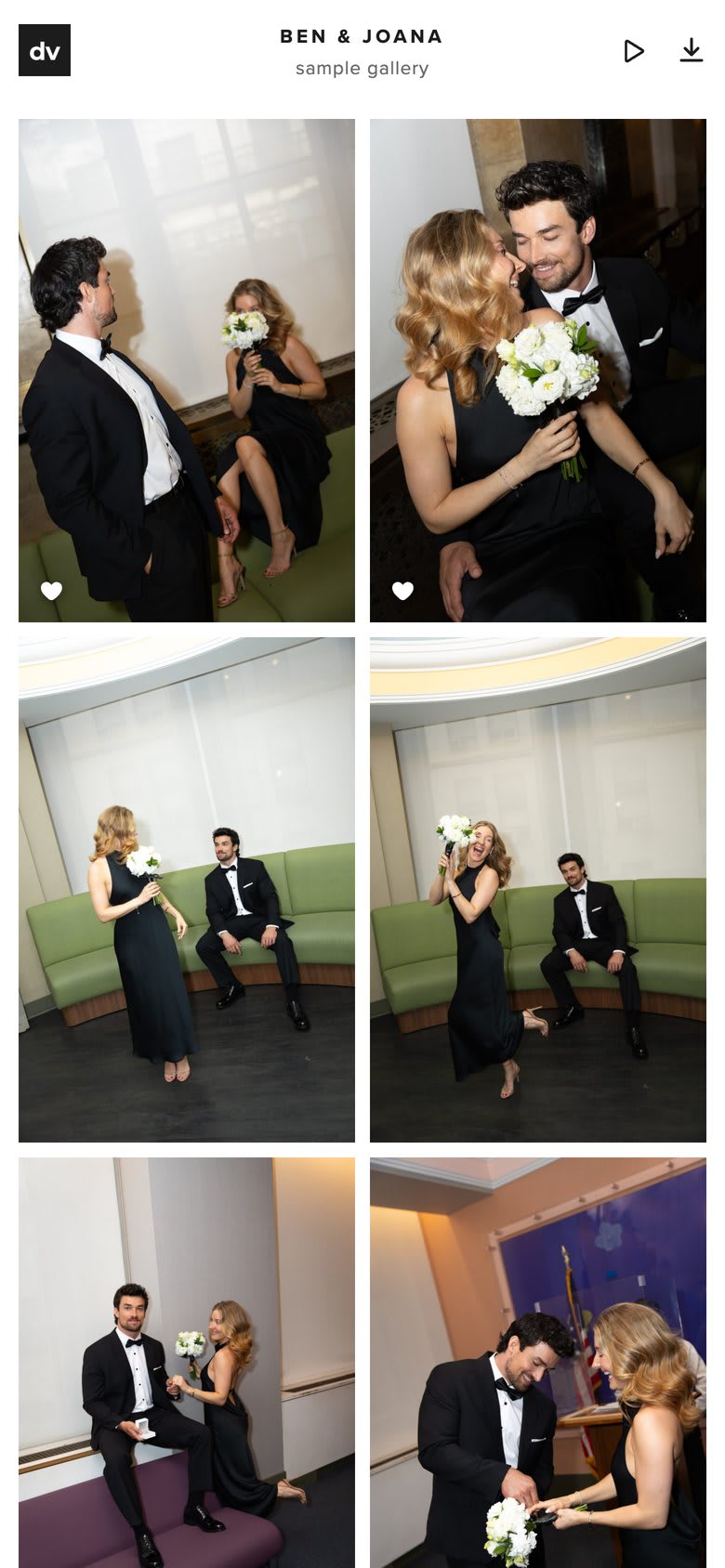
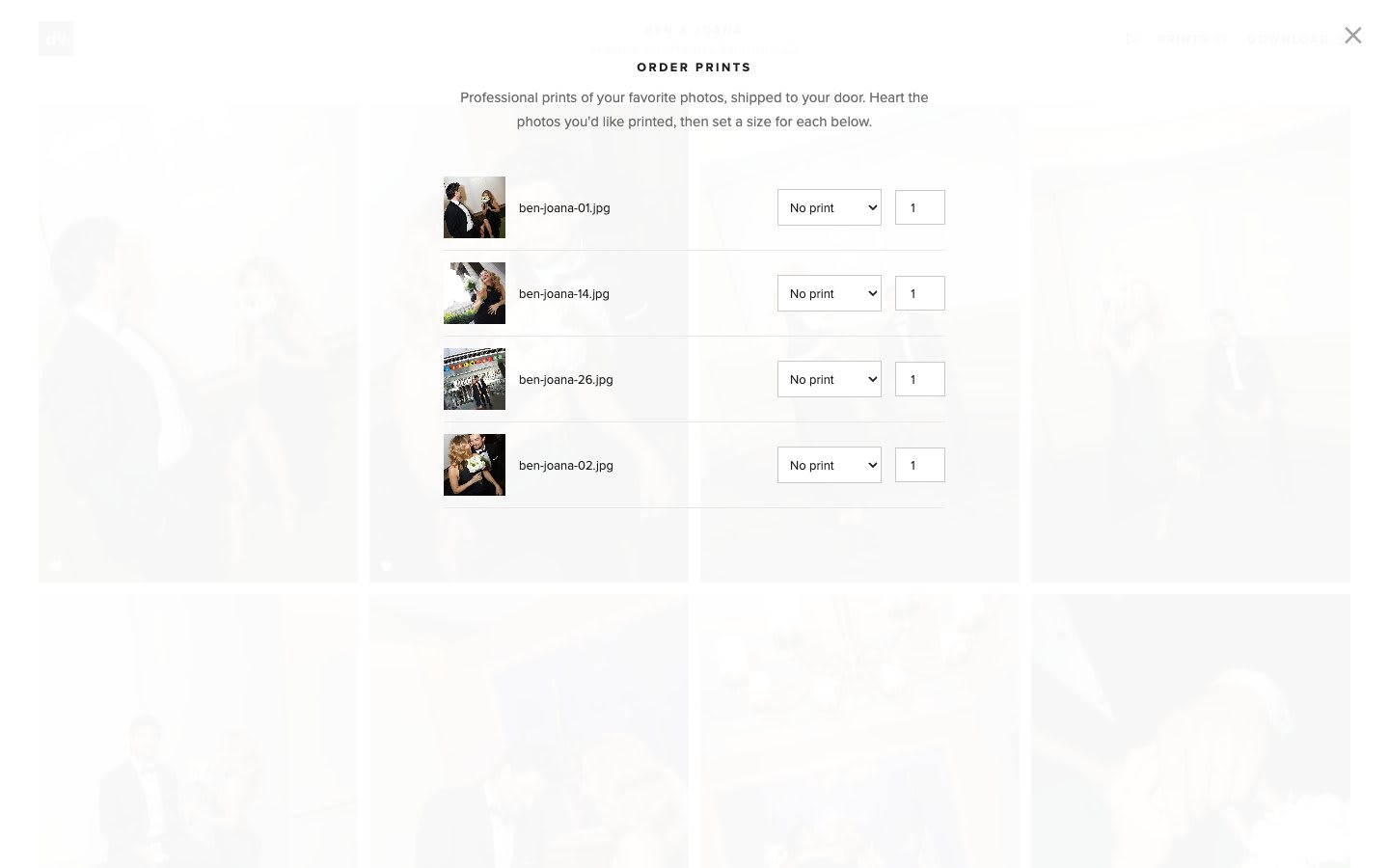
Heart your favourites, then tap Prints: professional archival prints of your photos, shipped to your door.
The remaining balance is due when your photos are delivered.
Try it yourself
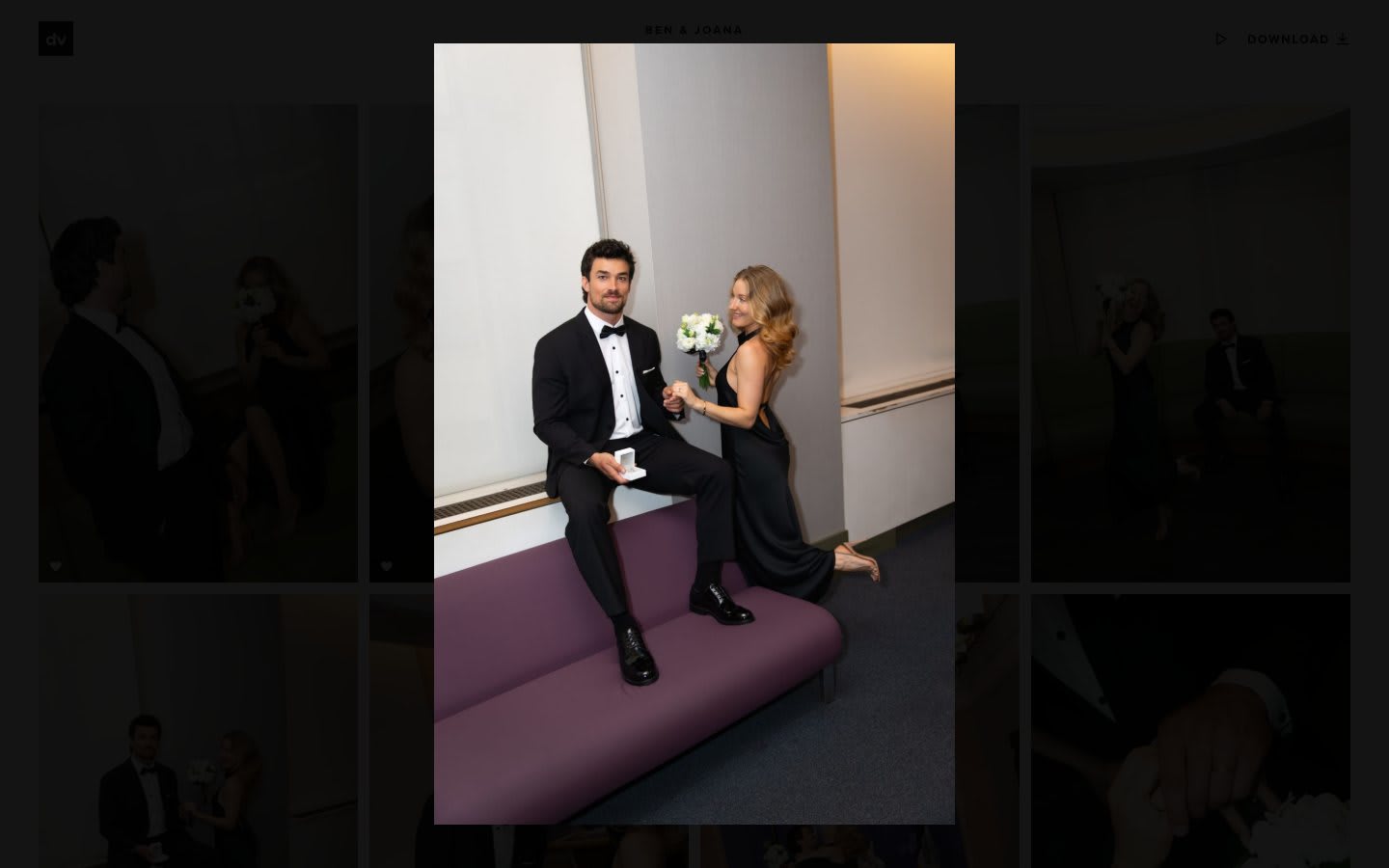
This is the gallery from Ben & Joana’s City Hall wedding. Open it on your phone or laptop and try everything a client gets.
Still have a question?